Download on Mobile
1
Use the site for 30 seconds so your browser recognizes it as an installable app.
2
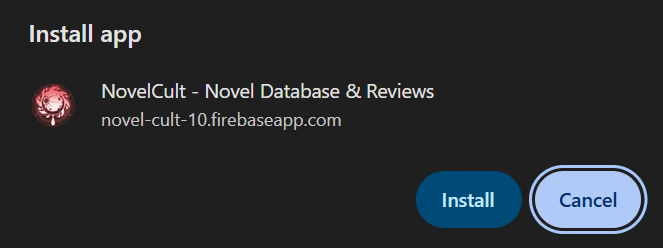
Go to the About page. A pop-up will appear asking you to install the app.
3
Tap Install and the app will be downloaded to your phone.
Pop-up not showing up?
Go to the About page, then tap the 3 dots (menu) in your browser and select "Add to Home Screen". The install option will appear.
Make sure you are on the About page when you do this, otherwise you will only get a shortcut, not the full PWA app.
Download on Desktop
1
Go to the About page in your browser.
2
Look for the install icon in your browser's address bar. Every browser shows it differently:

Chrome
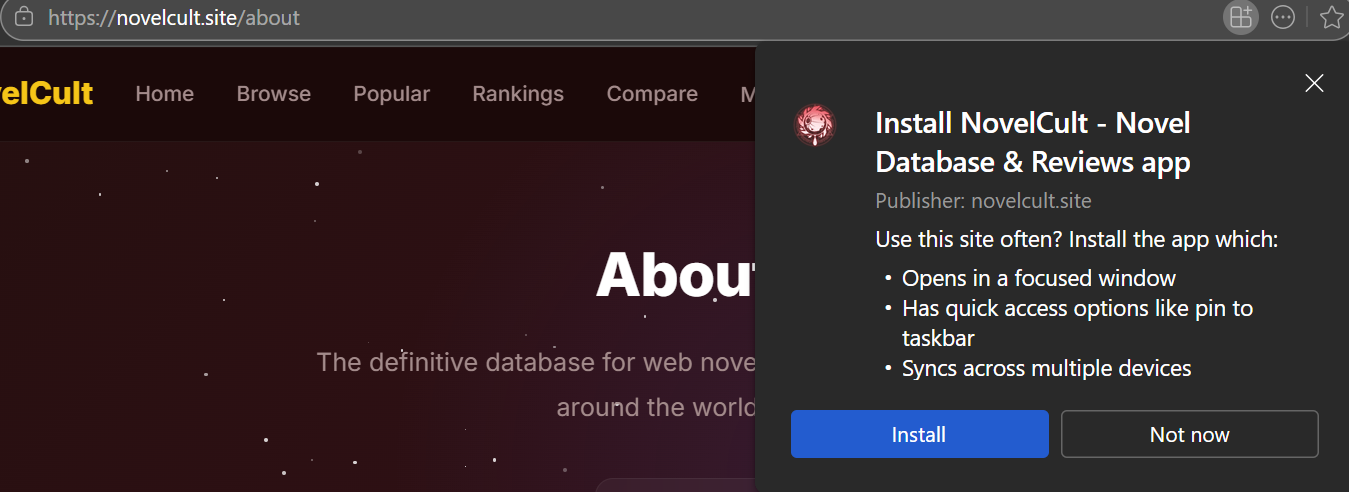
Edge
Make sure you are on the About page for the install option to appear.